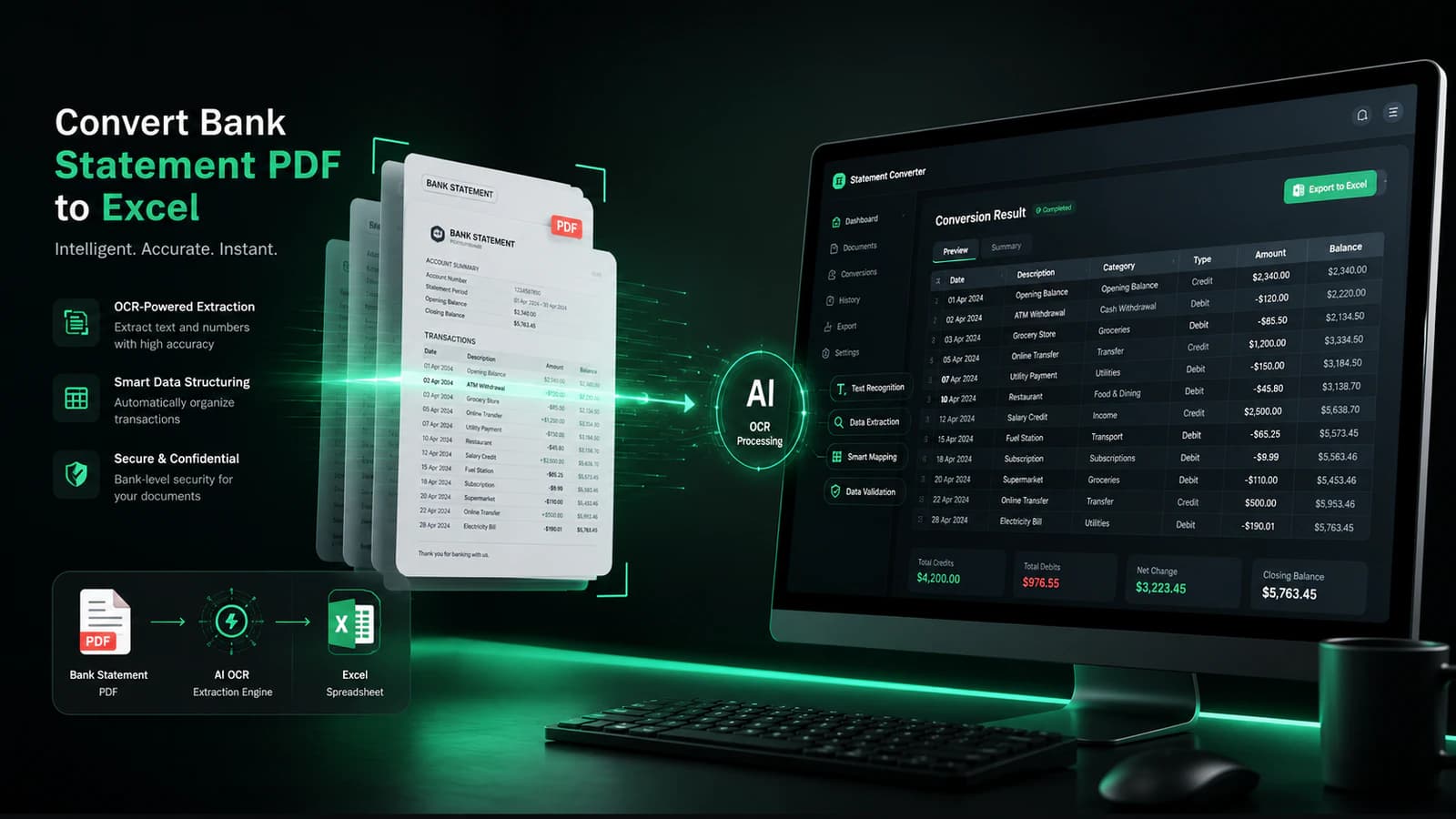
PDF to Excel
How to Convert PDF Bank Statements to Excel
Step-by-step guide for turning PDF bank statements into clean Excel spreadsheets.
Read the PDF to Excel guideConvert PDF bank statements to Excel, CSV, and spreadsheet-ready formats in seconds.
Also available as a bank statement converter Chrome extension.
Built to make bank statement conversion fast, accurate, and effortless — with Excel and CSV exports ready for your workflow.
Convert bank statements into clean Excel spreadsheets instantly.
Download transaction CSV files for accounting software imports and spreadsheet workflows.
Extract data from scanned bank statements using OCR technology.
Your uploaded bank statements are processed securely and privately.
Automatically detect transactions, balances, and dates with high accuracy.
How It Works
Upload your PDF bank statement and download clean Excel or CSV files in seconds.
Upload PDF bank statements securely from your device.
Supports scanned and digital statements.
Transactions, balances, and dates are extracted automatically from your statement.
OCR helps detect data from scanned bank statements.
Export clean spreadsheet-ready files — Excel workbooks or CSV downloads for accounting imports.
See It In Action
Upload your bank statement, let AI extract the transactions, and download structured Excel or CSV output.
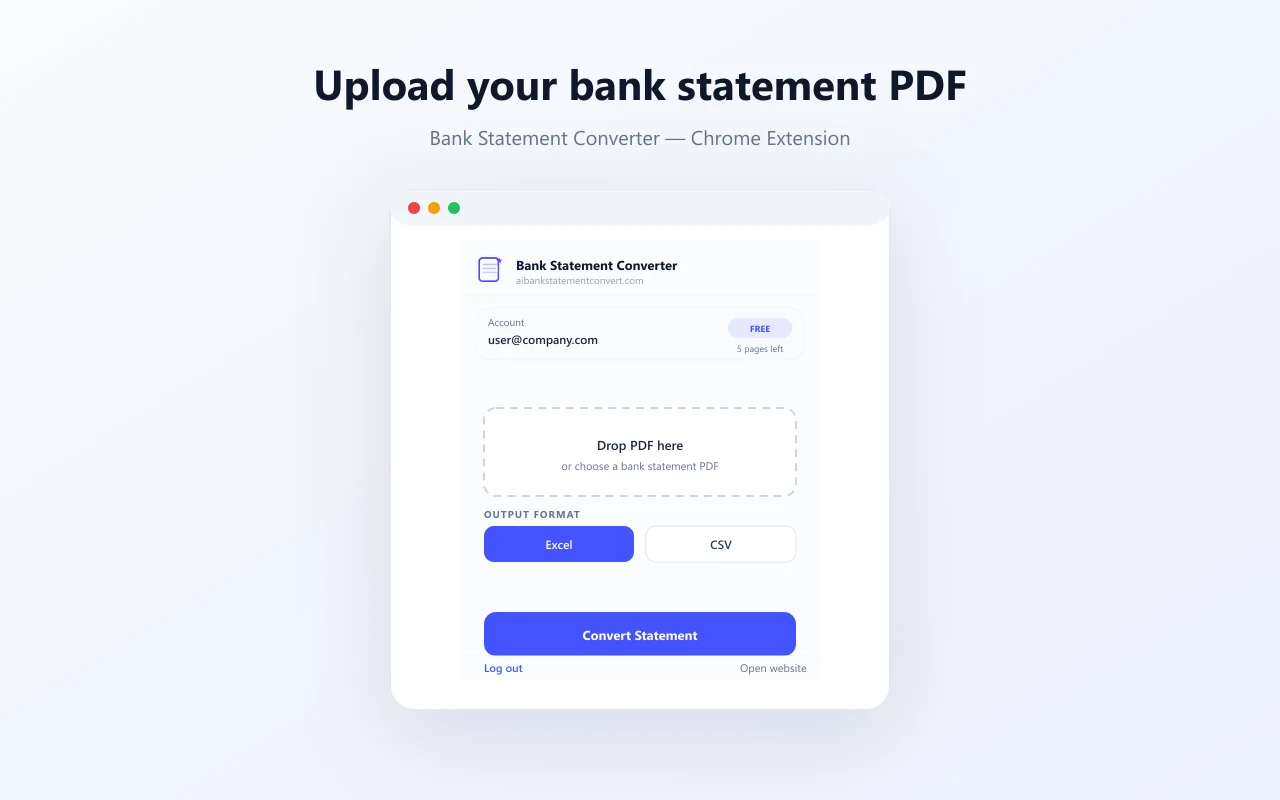
Upload a digital or scanned bank statement PDF.
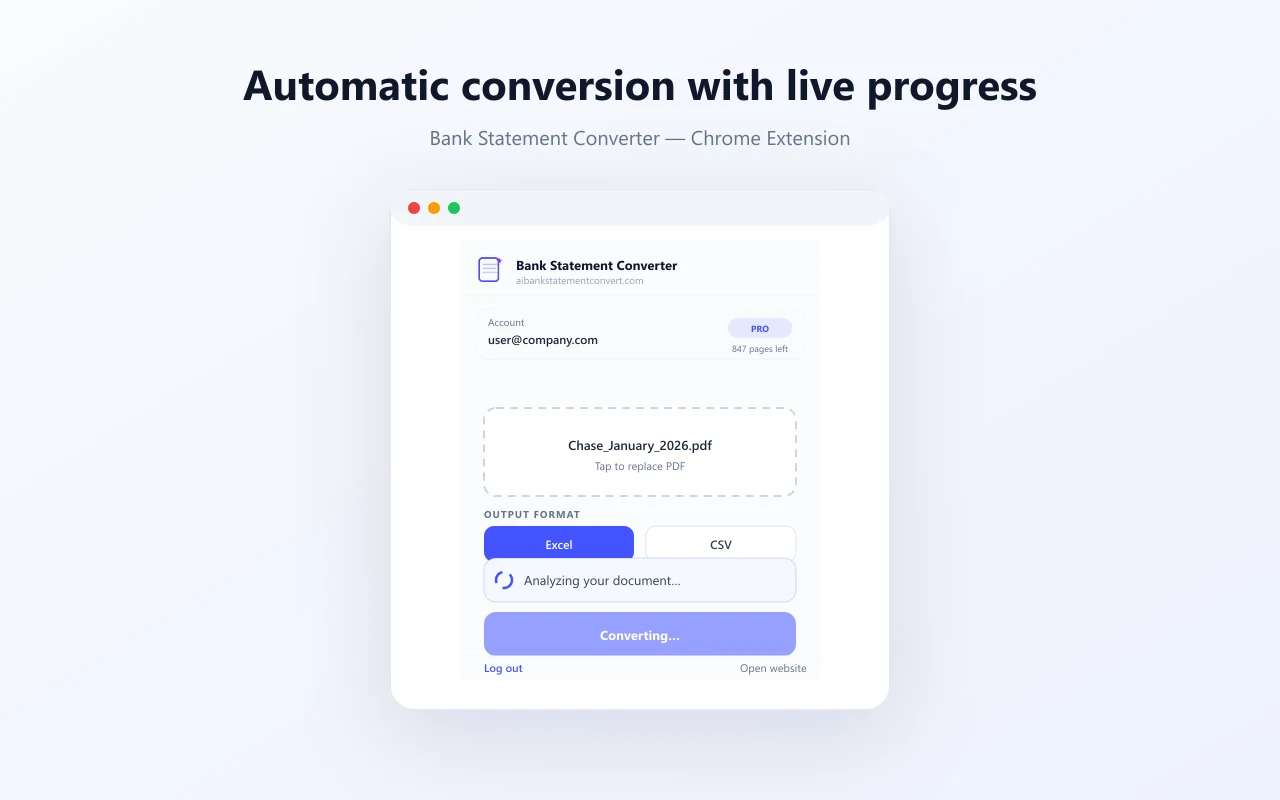
AI extracts transactions, dates, and balances automatically.
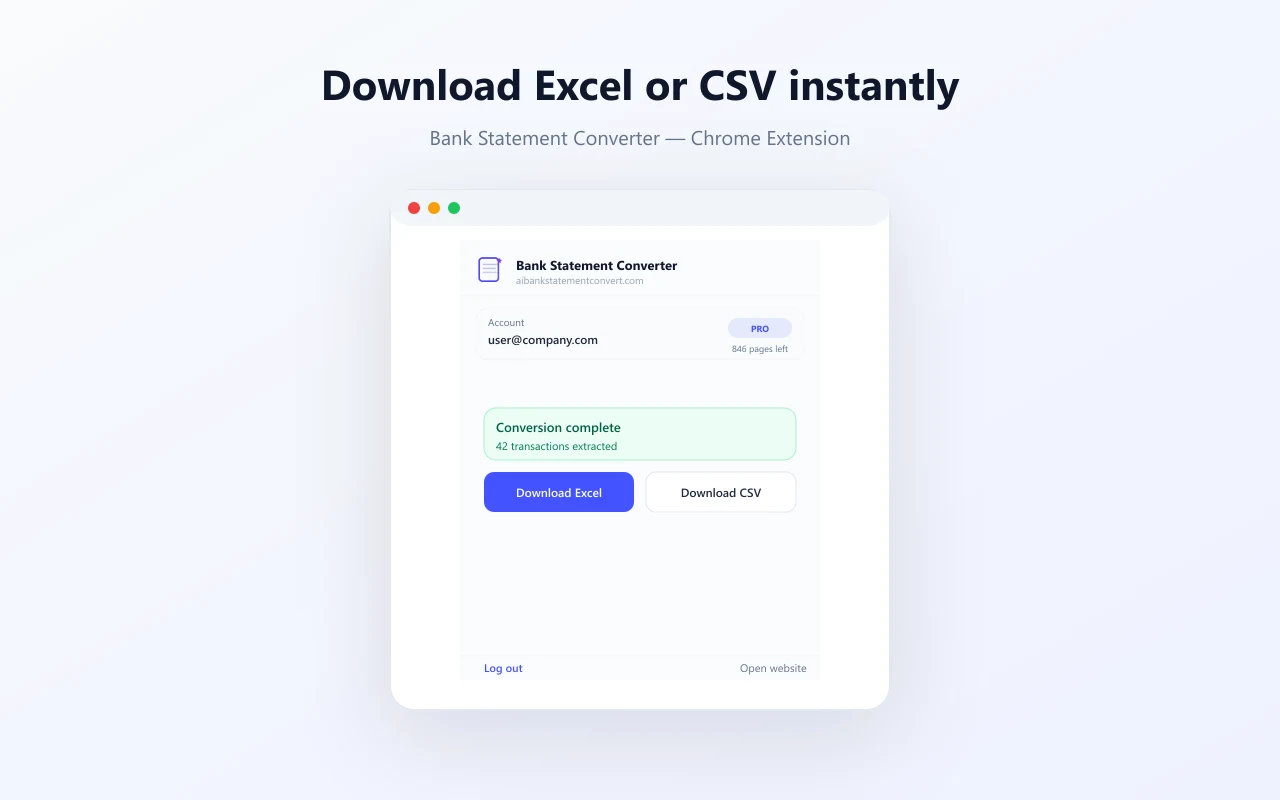
Download clean Excel or CSV files ready for accounting.
Trusted by Professionals
Used to convert bank statements into clean Excel and CSV files for accounting, bookkeeping, reconciliation, and financial workflows.
“Saved hours of manual Excel work every month.”
“Much easier than manually copying transactions from PDF statements.”
“Genuinely helpful for bookkeeping and reconciliation.”
Guides & Resources
Explore guides about converting PDF bank statements into Excel and CSV formats for accounting, bookkeeping, and financial workflows.
PDF to Excel
Step-by-step guide for turning PDF bank statements into clean Excel spreadsheets.
Read the PDF to Excel guide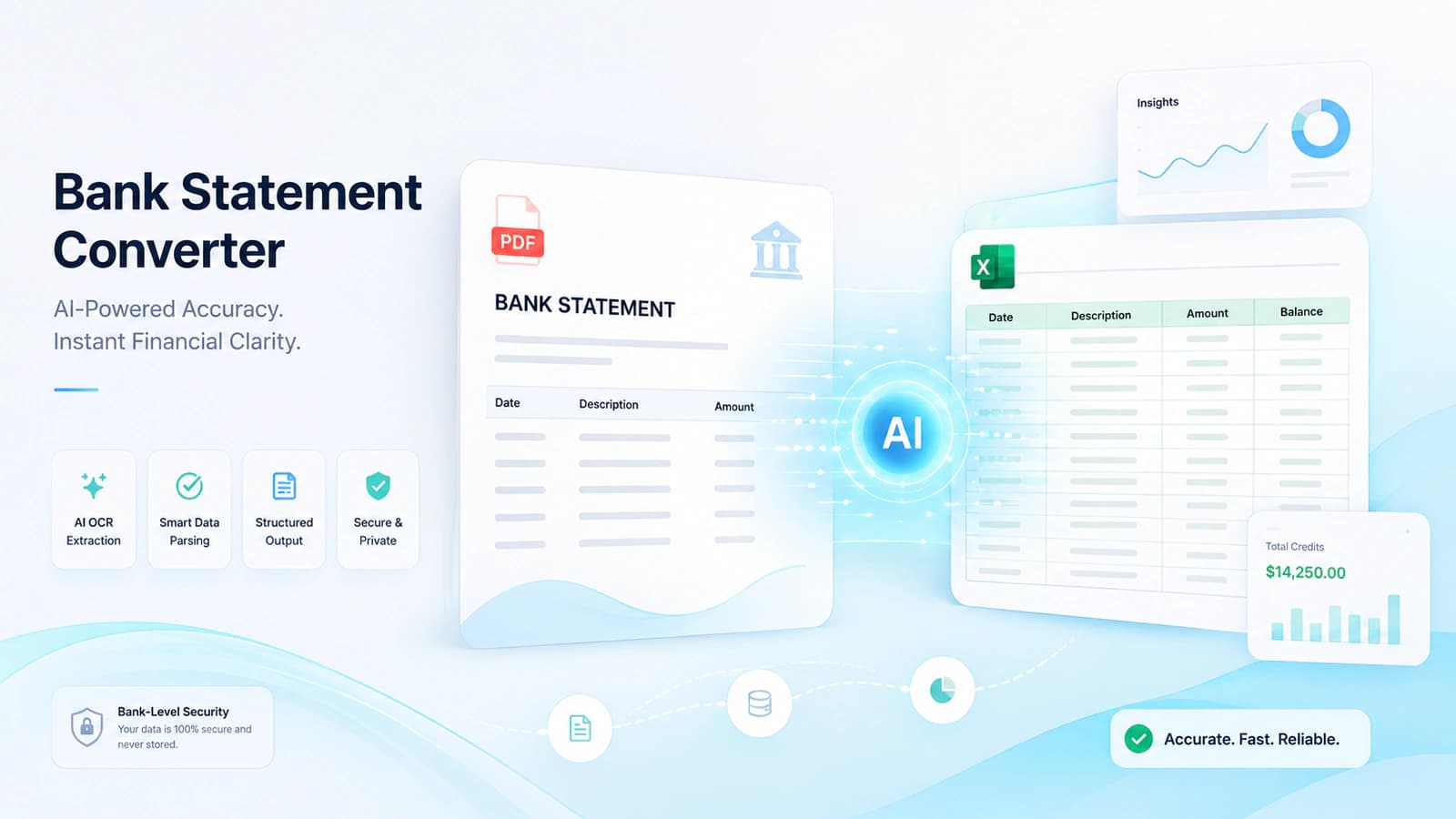
Fundamentals
How bank statement converters turn PDF and scanned files into spreadsheet-ready transaction data.
Read the converter explainer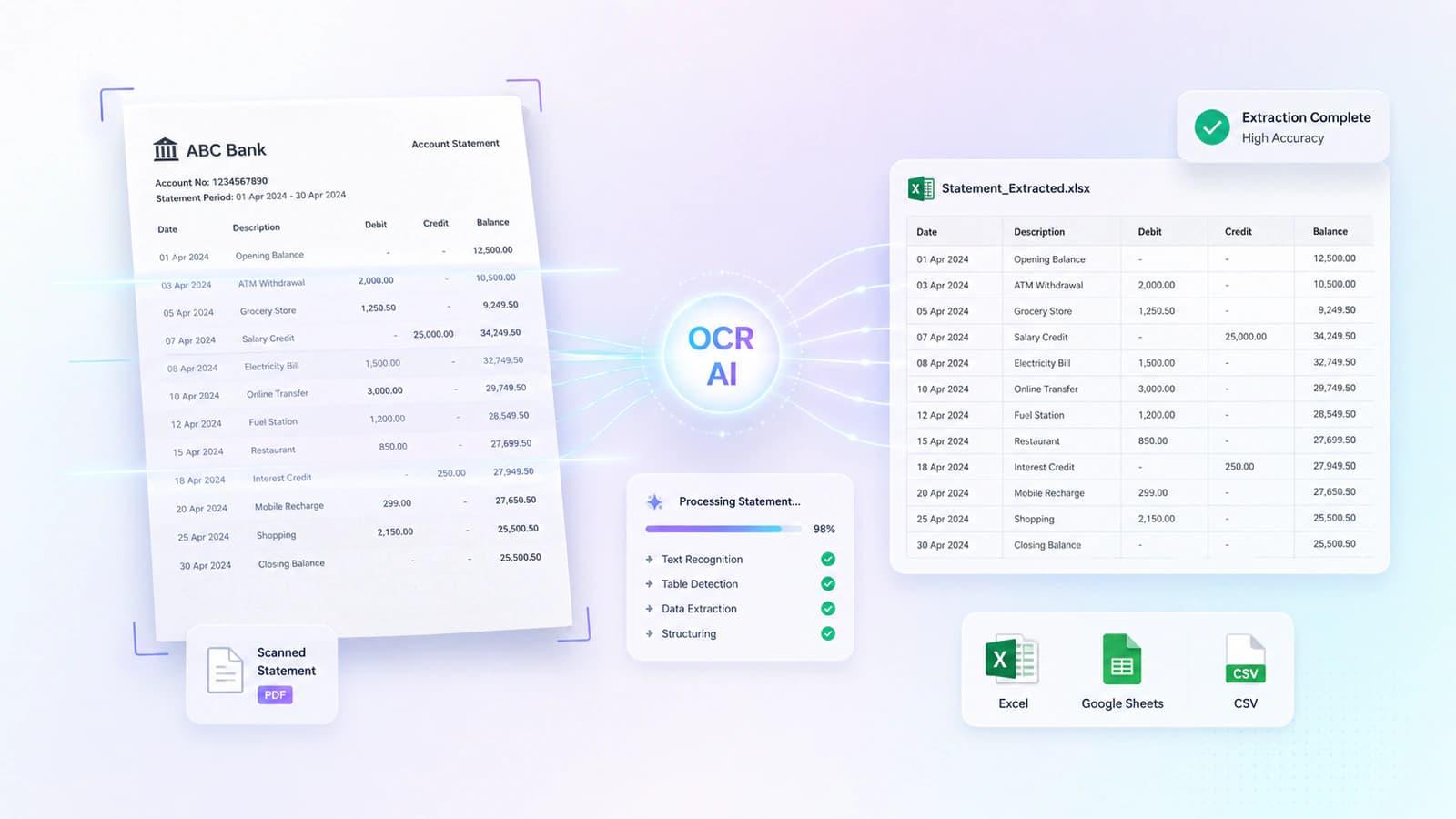
Scanned PDFs
How OCR-assisted recognition extracts transaction data from scanned bank statements.
Read the OCR conversion guide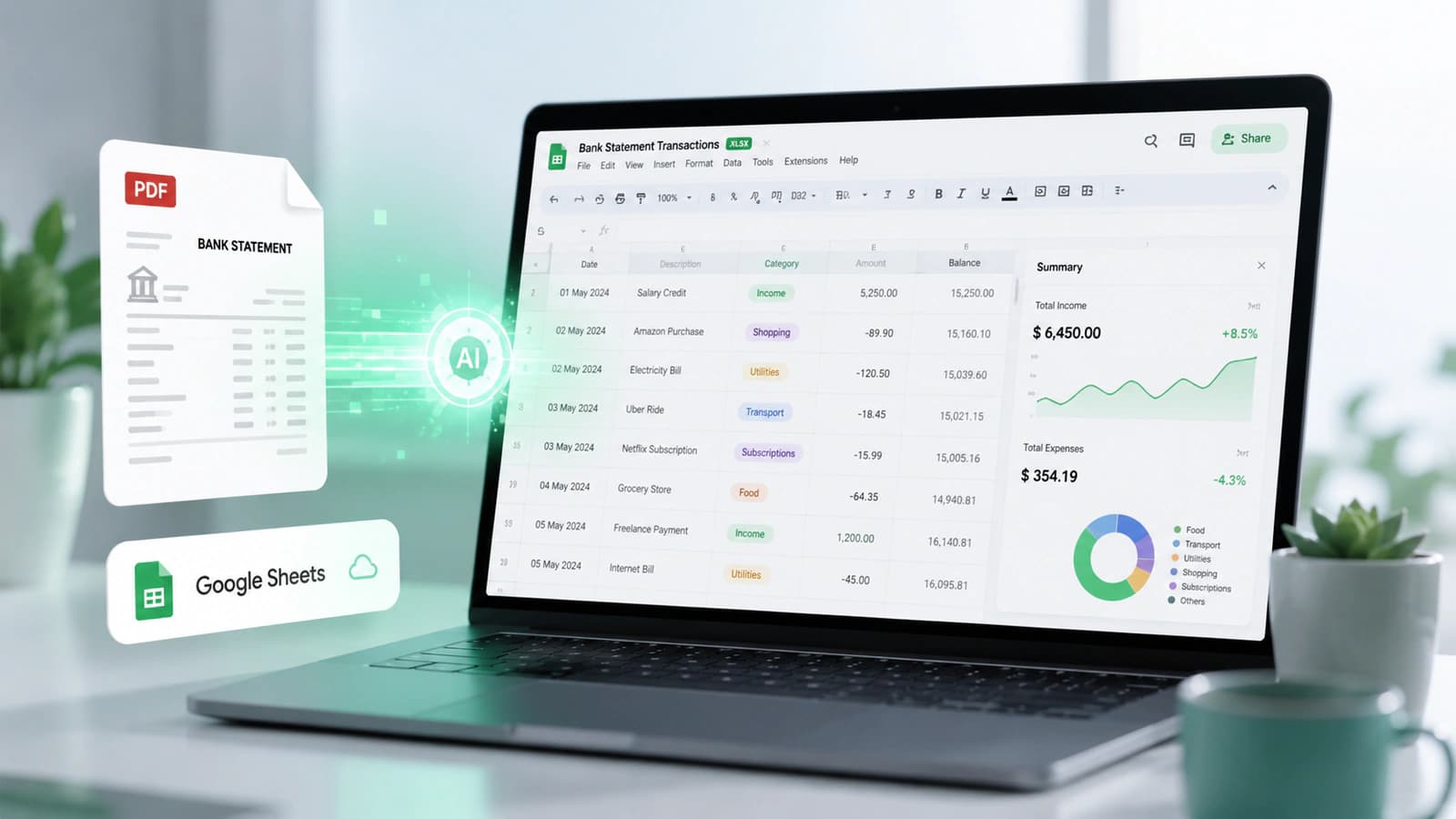
Spreadsheet Export
Bring bank statements into editable Google Sheets for collaboration and reporting.
Read the Google Sheets guideFrequently Asked Questions
Answers about converting PDF bank statements into Excel and CSV formats — including exports for accounting software imports.
Need help with your statement format or workflow?
Contact our teamUpload your PDF bank statement, and the converter automatically extracts transactions, dates, and balances. You then download the data as Excel or CSV files ready for accounting, bookkeeping, and reconciliation.
Yes. Uploaded bank statements are processed with encryption in transit, privacy-focused handling, and automatic file deletion after conversion. We do not require registration to start converting.
Yes. Scanned PDF bank statements are supported using OCR-assisted recognition to extract transaction data from image-based documents.
Yes. Converted bank statement data can be downloaded as Excel XLSX spreadsheets with organized transaction rows, dates, amounts, and balances.
The converter supports statements from many banks worldwide — including HBL, MCB, UBL, Chase, HSBC, Standard Chartered, and hundreds more. Browse the full bank directory for your institution.
Yes. Transaction data can be exported as CSV files for QuickBooks, Xero, ERP imports, and spreadsheet workflows.
Yes. Excel and CSV exports simplify bookkeeping, reconciliation, transaction review, and financial reporting workflows.
Bank statement data can be exported to Excel XLSX, CSV, QBO (QuickBooks Online), Google Sheets, and JSON formats.
Excel & CSV Export
Upload your PDF bank statement and download clean Excel spreadsheets or transaction CSV files — ready for accounting and bookkeeping.